Signals
The Signals dock controls which channels are visible and which channels are included when you render the view.
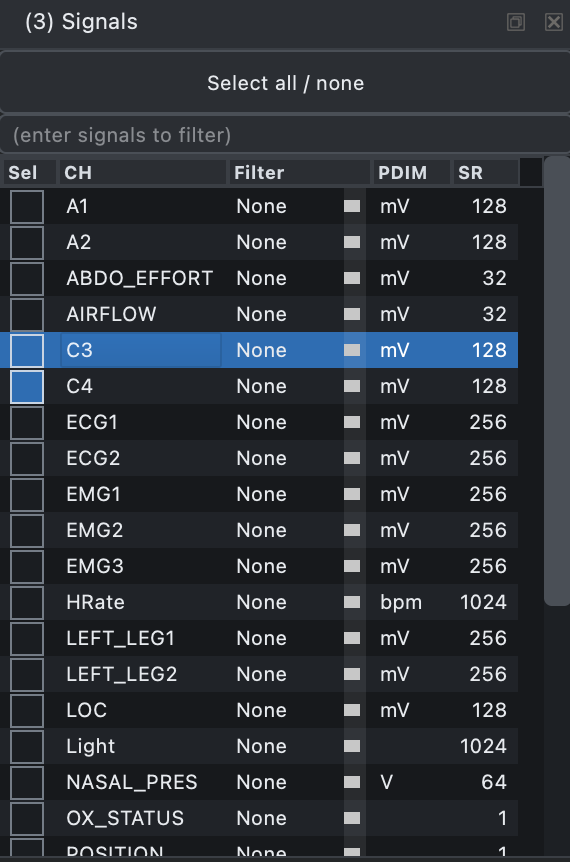
The dock also supports all/none selection, row filtering by comma-delimited channel names, and on-the-fly filtering. The User filter can be defined through a config file. PDIM shows the physical dimension from the EDF header, SR shows the sample rate, and channel order can also be set through a config file.
The text box above the table filters the rows shown in the dock. Enter
one or more comma-delimited fragments, such as EMG,ECG, to show only
channels whose labels match those fragments.
The Select all / none button applies only to the currently filtered subset, not to every signal in the recording. This lets you select or clear whole channel groups by first filtering the table, then toggling the visible rows.
In rendered mode, channels that were not included in the last Render are shown as not yet rendered rather than displaying a misleading amplitude range. Click Render again to include newly selected channels in the rendered cache.
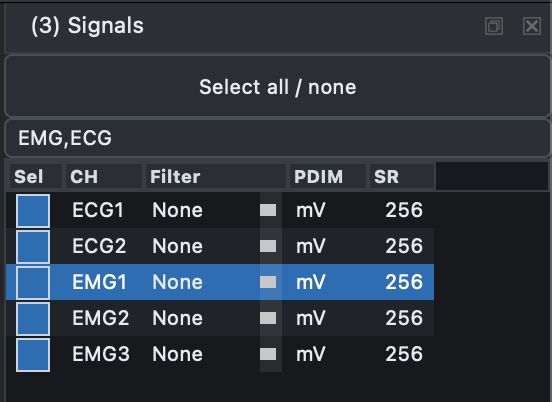
Here, the filter EMG,ECG limits the table to EMG and ECG channels.
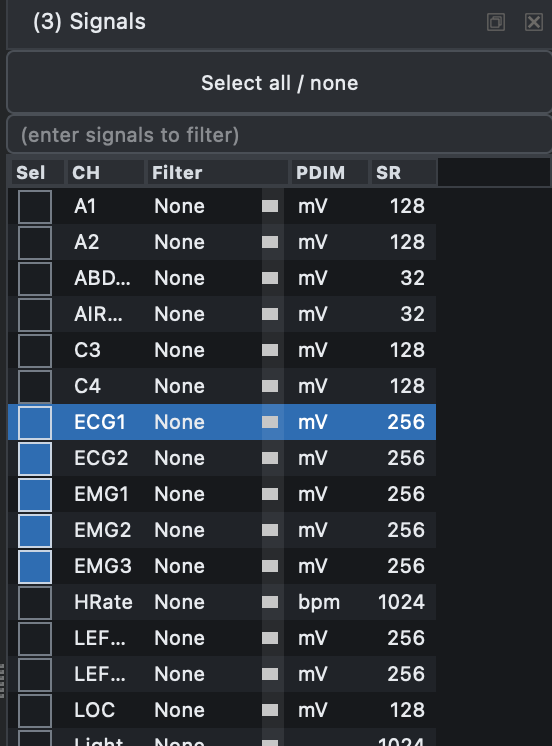
Using Select all / none in this filtered view toggles only those five
visible channels. When the filter is cleared, the full channel list
returns, but the selections made within the filtered subset are
preserved.
Previous: Viewer | Next: Annotations