Masks & Subsets
The Masks / Subset dock applies simple epoch-level masks to the currently attached recording, allows lists of channels and/or annotations to be dropped from the in-memory data, and provides a CHEP View tab for working with channel-by-epoch artifact masks.
Masks
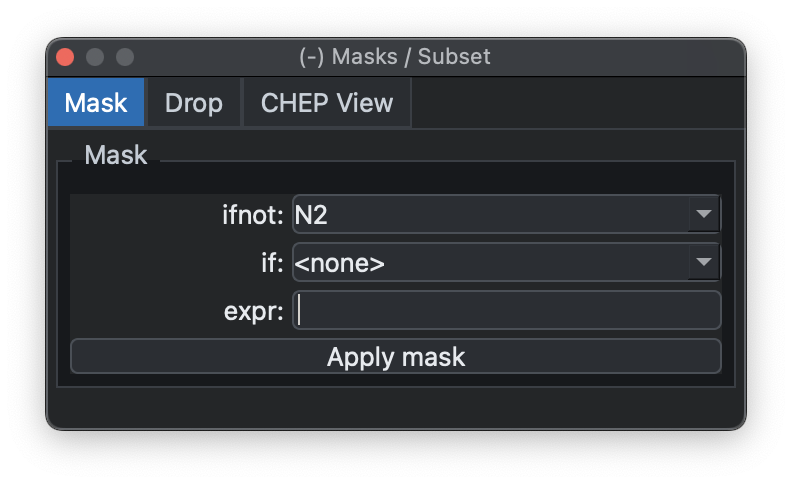
It exposes two common mask styles: exclude epochs that do not match an
annotation (ifnot) or exclude epochs that do match (if). You can
also enter more general masks using the same syntax as Luna's
MASK command.
The same operation can be done from the Luna script
console with MASK; this dock is just the simpler GUI
form.
Subsets
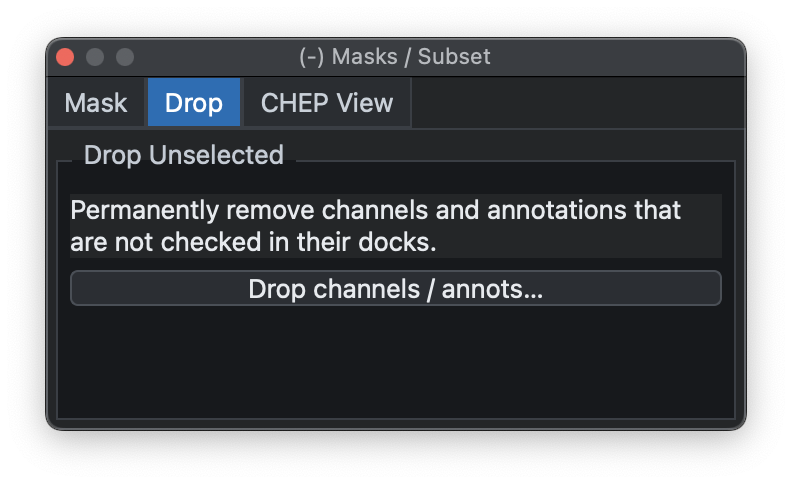
The same dock can also remove selected channels or annotation classes from the current in-memory record. This is useful for hiding signals that are not needed for the current analysis, or for simplifying the annotation list before viewing, masking, or scripting.
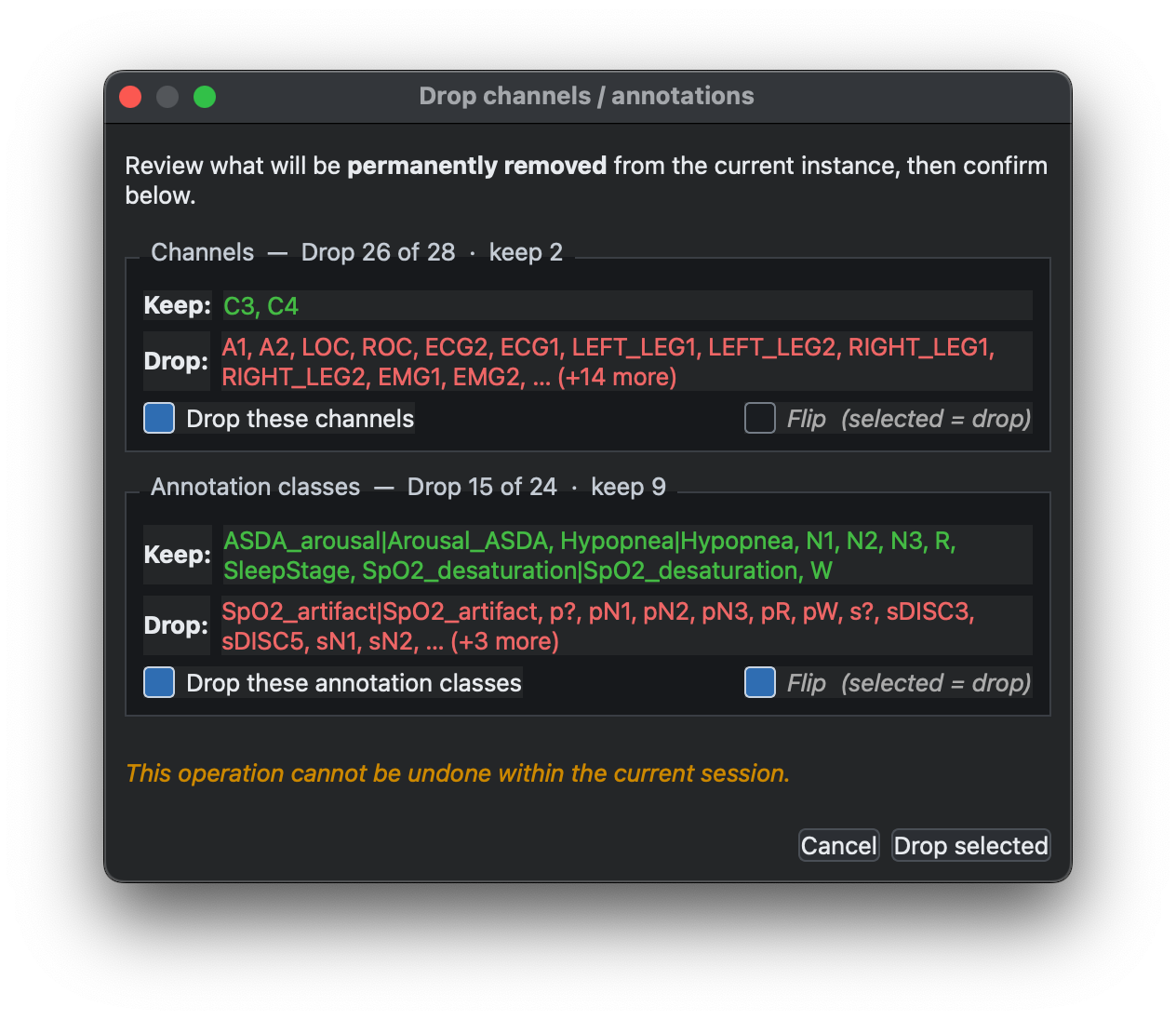
Choose the channels or annotation classes to drop, then use the confirmation
window to review what will be kept and removed. The Flip option inverts the
selection, so the currently selected items are kept and the unselected items
are dropped instead. After confirming with Drop selected, the removed items
are no longer available in the current session; reload the record to restore
the original channel and annotation lists.
Artifacts
The Masks / Subset dock also contains a CHEP View tab for inspecting
channel-by-epoch artifact masks. These masks are controlled by Luna's
CHEP-MASK command and
reported by CHEP. This view is
primarily useful for high-density EEG, where channel-specific artifacts can be
hard to review from annotation lists alone.
Use Update to run a CHEP dump for the attached recording and refresh the
matrix. Rows are the currently selected channels from the Signals dock and
columns are epochs. The summary line reports the number of epochs, channels,
CHEP-flagged cells, and epochs removed by the current epoch mask. The W and
H controls adjust the epoch-column width and channel-row height.
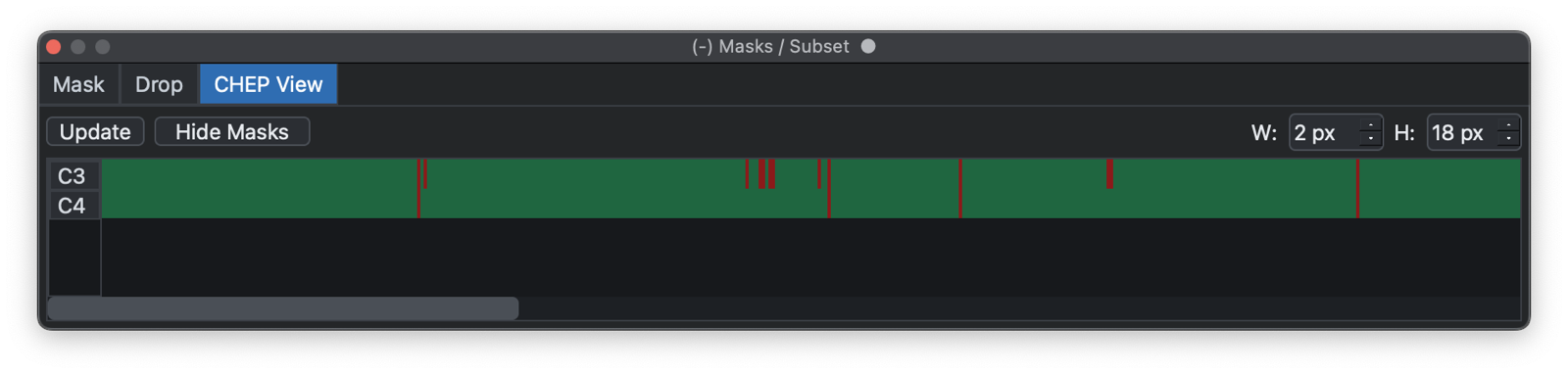
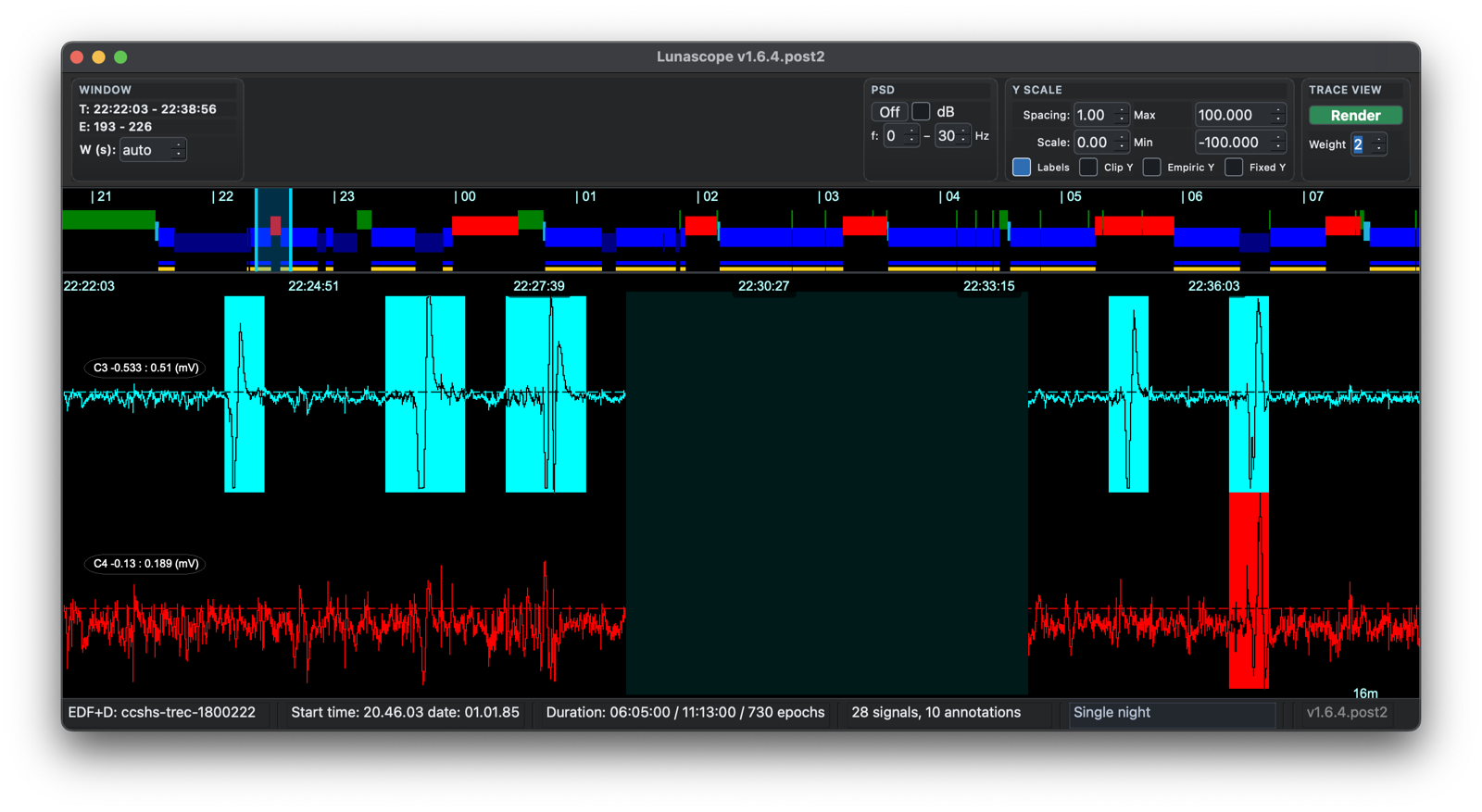
Use Show Masks to overlay the CHEP and epoch-mask information on the signal viewer. CHEP-flagged channel bands are highlighted on the relevant signal rows, and epochs removed by the current epoch mask are shown as dark full-height bands. The button changes to Hide Masks while the overlay is active.
Previous: Hypnograms | Next: Parameters