Parameters
This dock 1) specifies variable definitions and special instructions (parameters) sent to Luna, 2) keeps track of the currently defined variables, 3) lists the currently defined signal/annotation aliases, and 4) configuration settings passed to Lunascope, primarily to control display options.
Parameters
The Parameters dock is used for passing special variables that are applied:
-
when first attaching a new individual's data
-
when hitting Refresh (to reload the individual's data anew)
-
when executing a Luna script
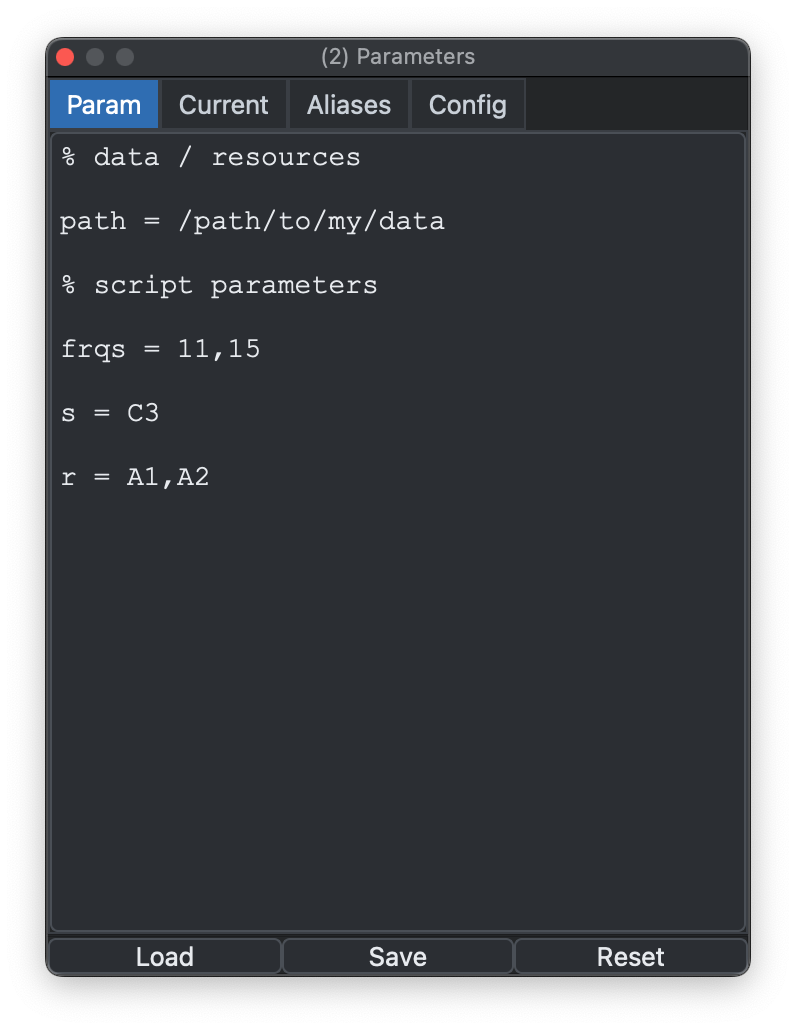
Some parameters are needed before data can even be attached. For
example, if annotations use a nonstandard YMD date format, add
date-format=YMD; otherwise loading may fail. This is equivalent to
the options that come before the main Luna script:
luna s.lst 1 date-format=YMD th=2.5 @param.txt -o out.db < script.txt
In this example, date-format is a special
variable that
controls Luna's behavior, th is a user-defined variable required by
script.txt, and @param.txt includes additional parameter values
that would be loaded into this dock.
You can pre-load a parameter file directly from the command line when starting Lunascope with -p:
lunascope s.lst -p param.txt
This pre-populates the dock with that file.
Current variables
Currently defined variables are listed in the Current tab:
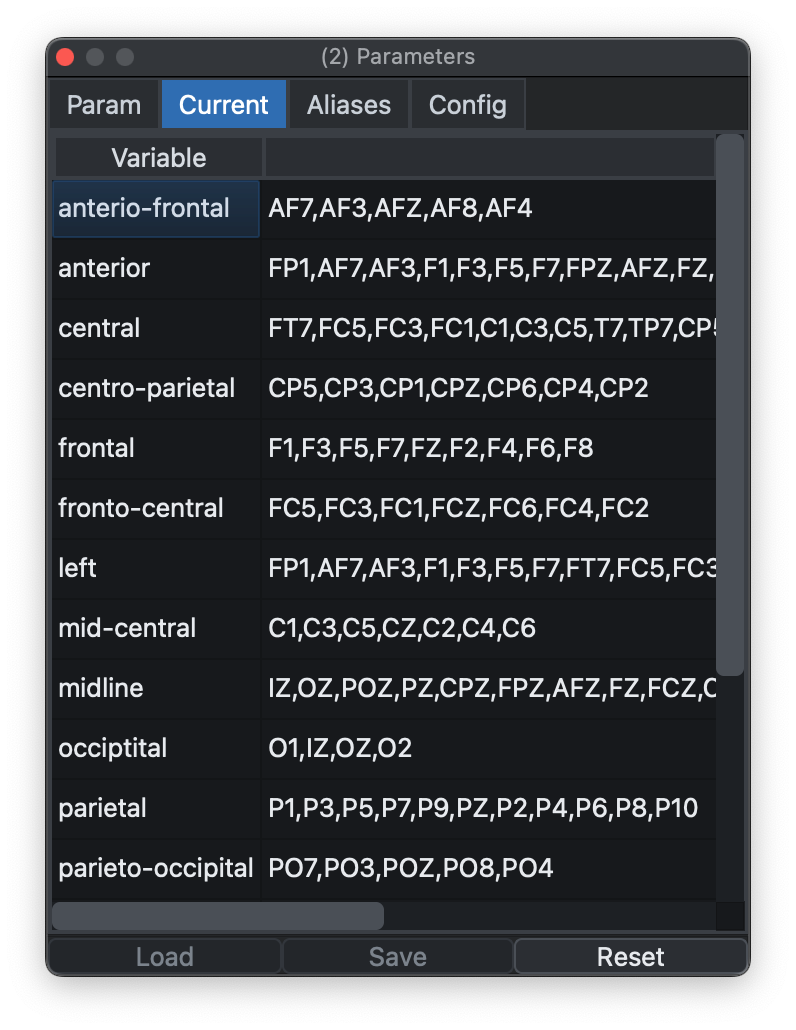
As well as user-defined variables, this tab may also include some
predefined variables (e.g., ${central}) that can be
removed with Reset. (A variable ${sleep} = N1,N2,N3,R will be set by
Luna automatically and always exist.)
Aliases and remapping
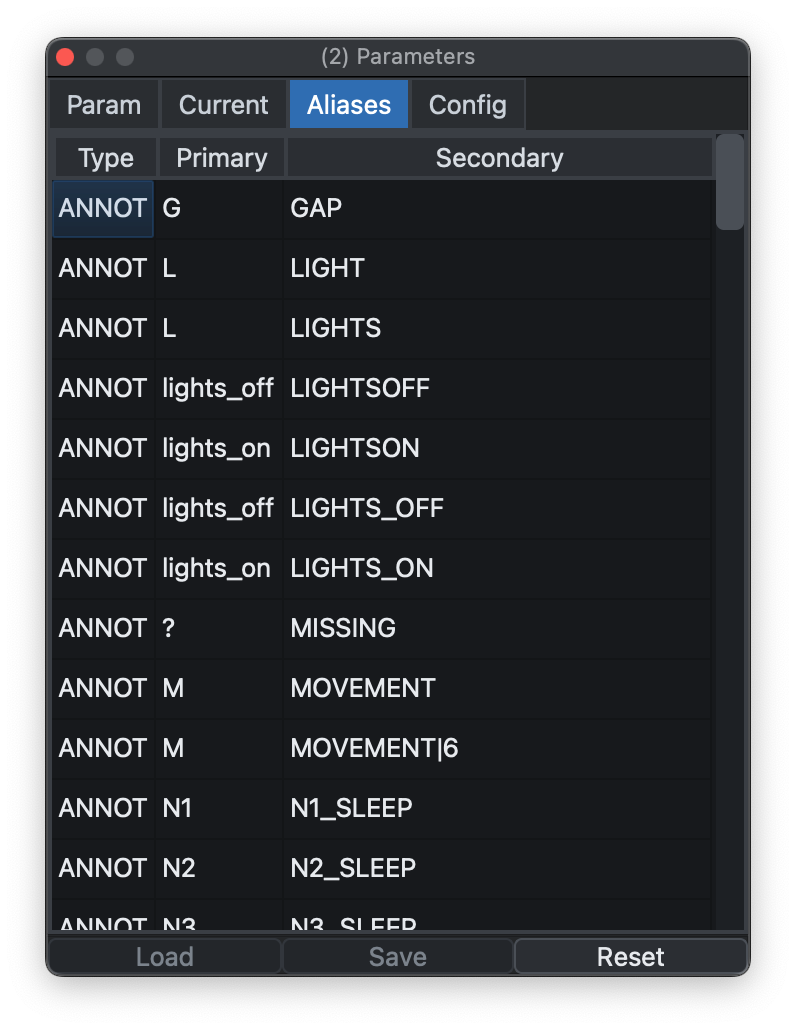
One common use of parameter files is to rename signals (alias) and
annotations (remap). If these are defined at load time, the Signals
and Annotations docks show the mapped labels rather than the
originals.
By default, Luna includes some built-in mappings unless
annot-remap=F and/or nsrr-remap=F is set. The Aliases tab can
also be used to inspect the currently defined
signal/annotation mappings.
Configurations
Parameters are parsed by Luna, whereas configurations are instructions for Lunascope, to control its behavior.
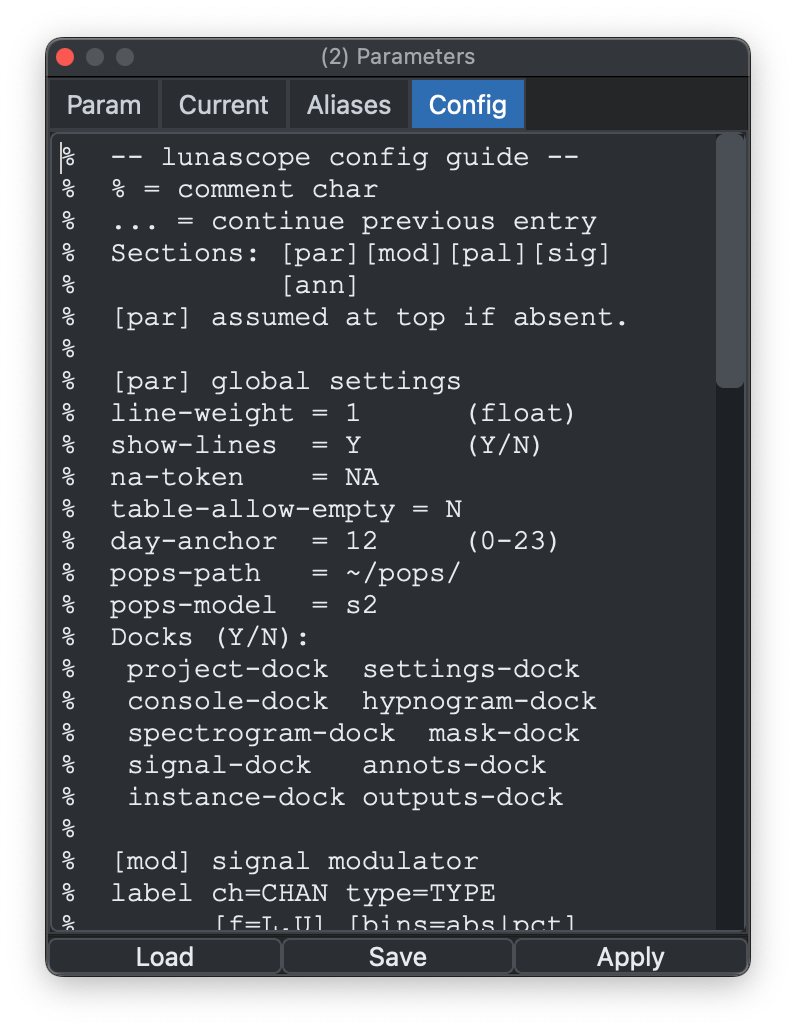
See the configurations page for more details.
Previous: Masks | Next: Luna Scripts